D
Dashboard
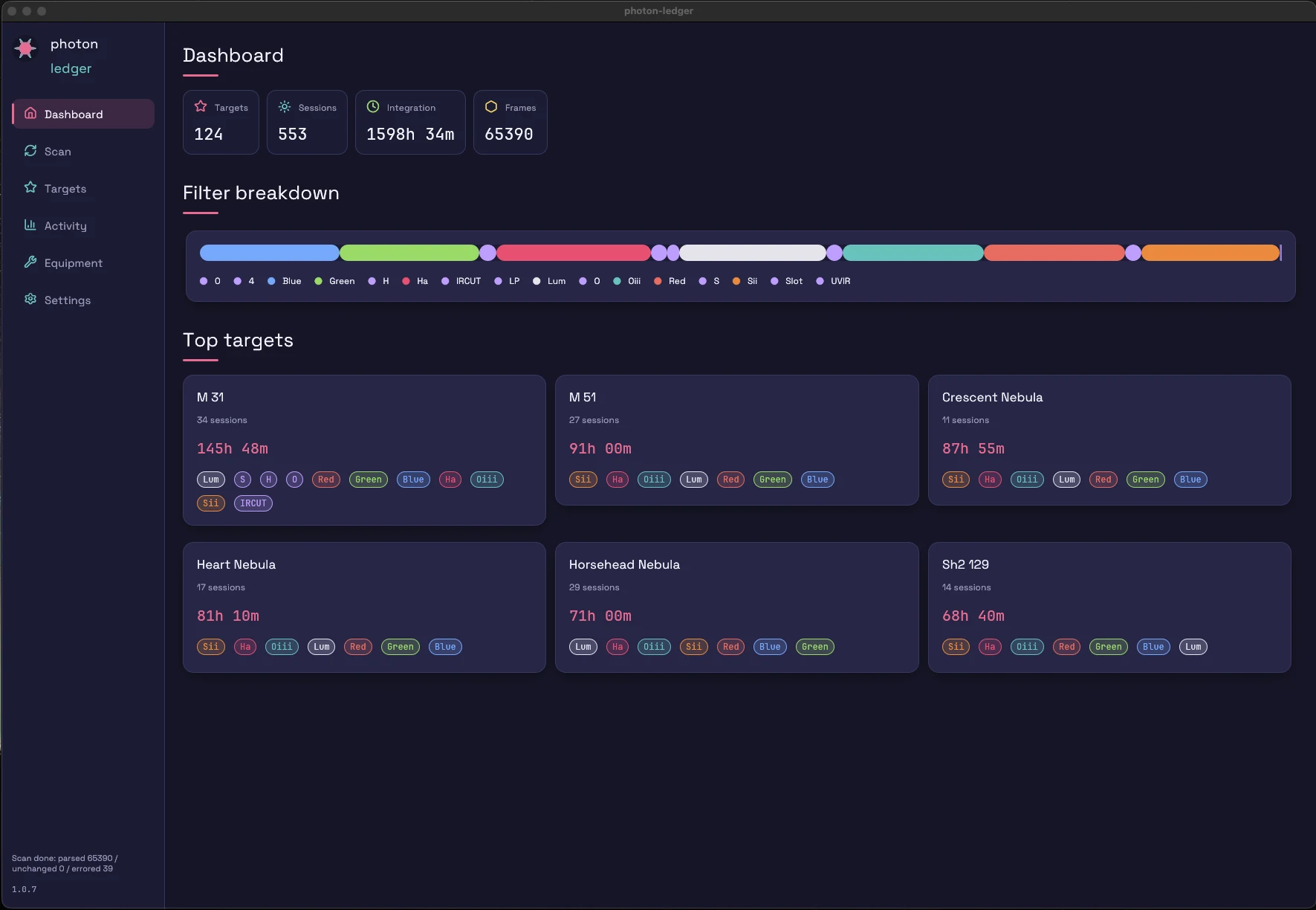
Targets, integration time, sessions, equipment — at a glance. The starting point.
FITS archive ledger for astrophotographers
Photon Ledger reads every FITS header in your archive — headers only, never pixel data — and turns it into integration time, per target, per filter, per scope, per location, per session.
New here? Read the getting started guide — install and first scan in 5 minutes.
Analytics & archive intelligence for astrophotographers
Know exactly how much you've imaged, and on what. Photon Ledger reads every FITS header in your archive — headers only, never pixel data — and turns years of imaging into integration time, equipment usage, and filter coverage you can actually act on.
New here? Read the getting started guide — install and first scan in 5 minutes.
What one user catalogued in their first scan.
What's in the box
Every tab in the app maps to a question you've been asking your file system the hard way.
Targets, integration time, sessions, equipment — at a glance. The starting point.
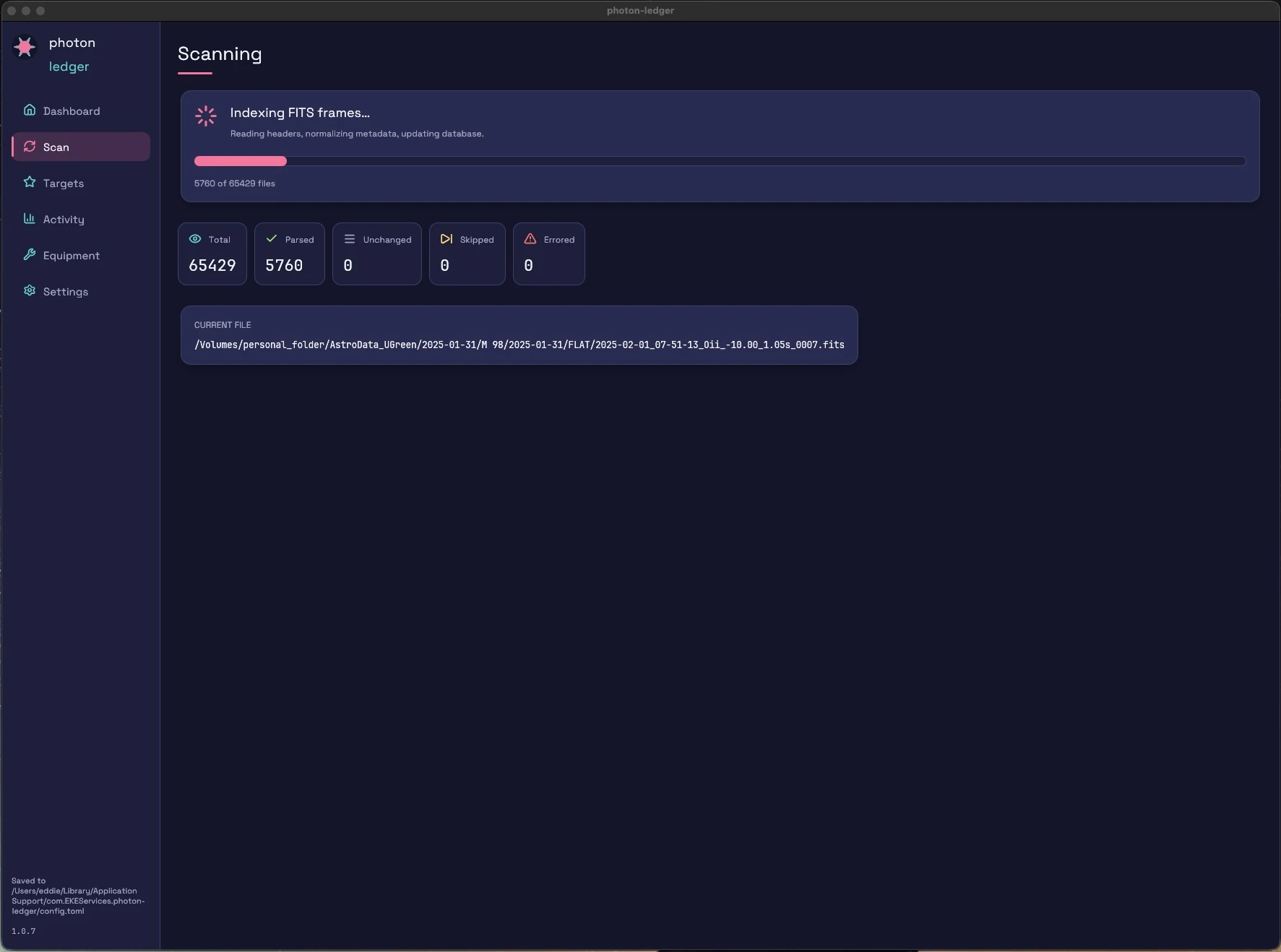
Index 60,000+ frames in minutes. Headers only — your pixel data never moves.
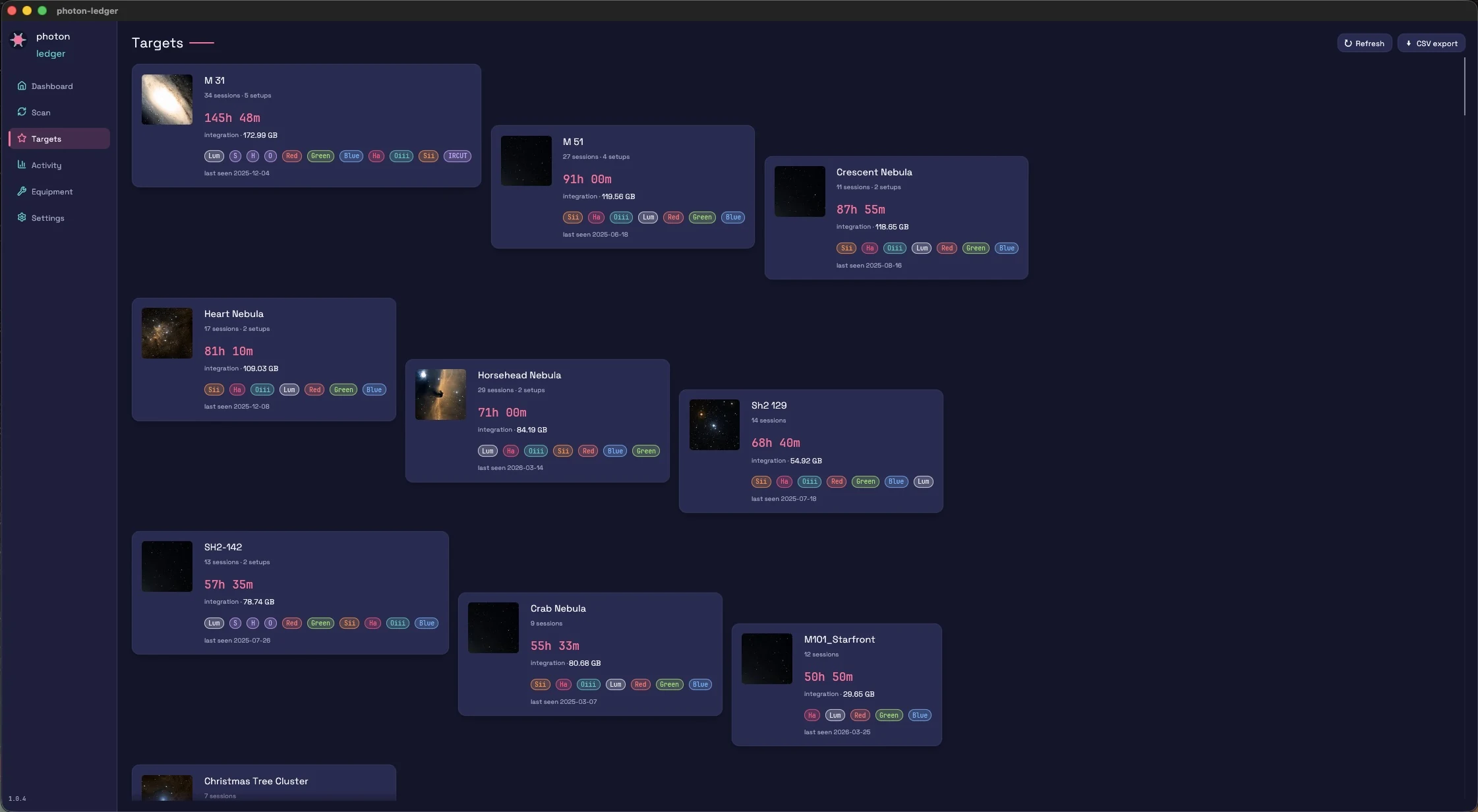
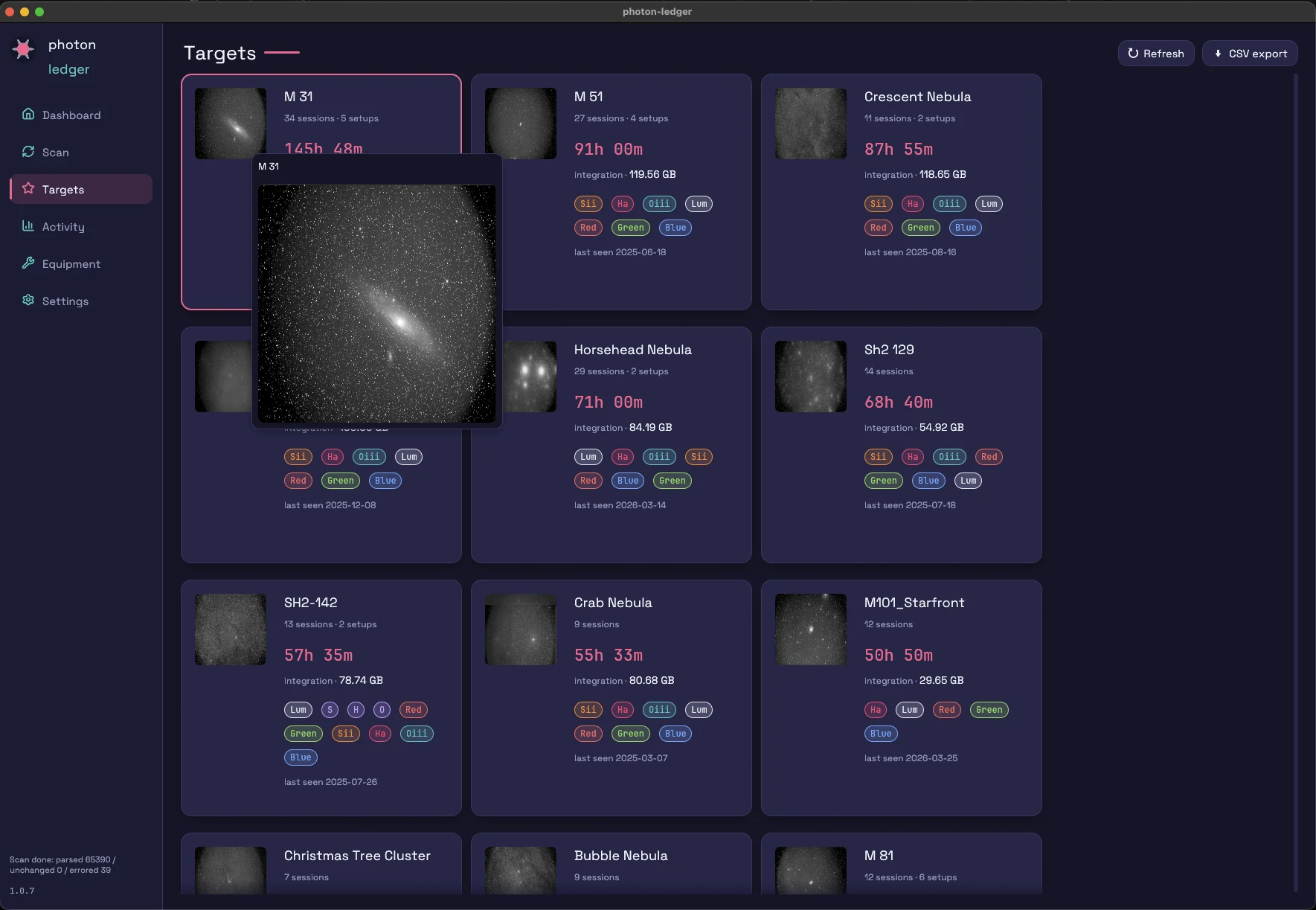
Drill into every object: filter breakdown, session count, total exposure, equipment used.
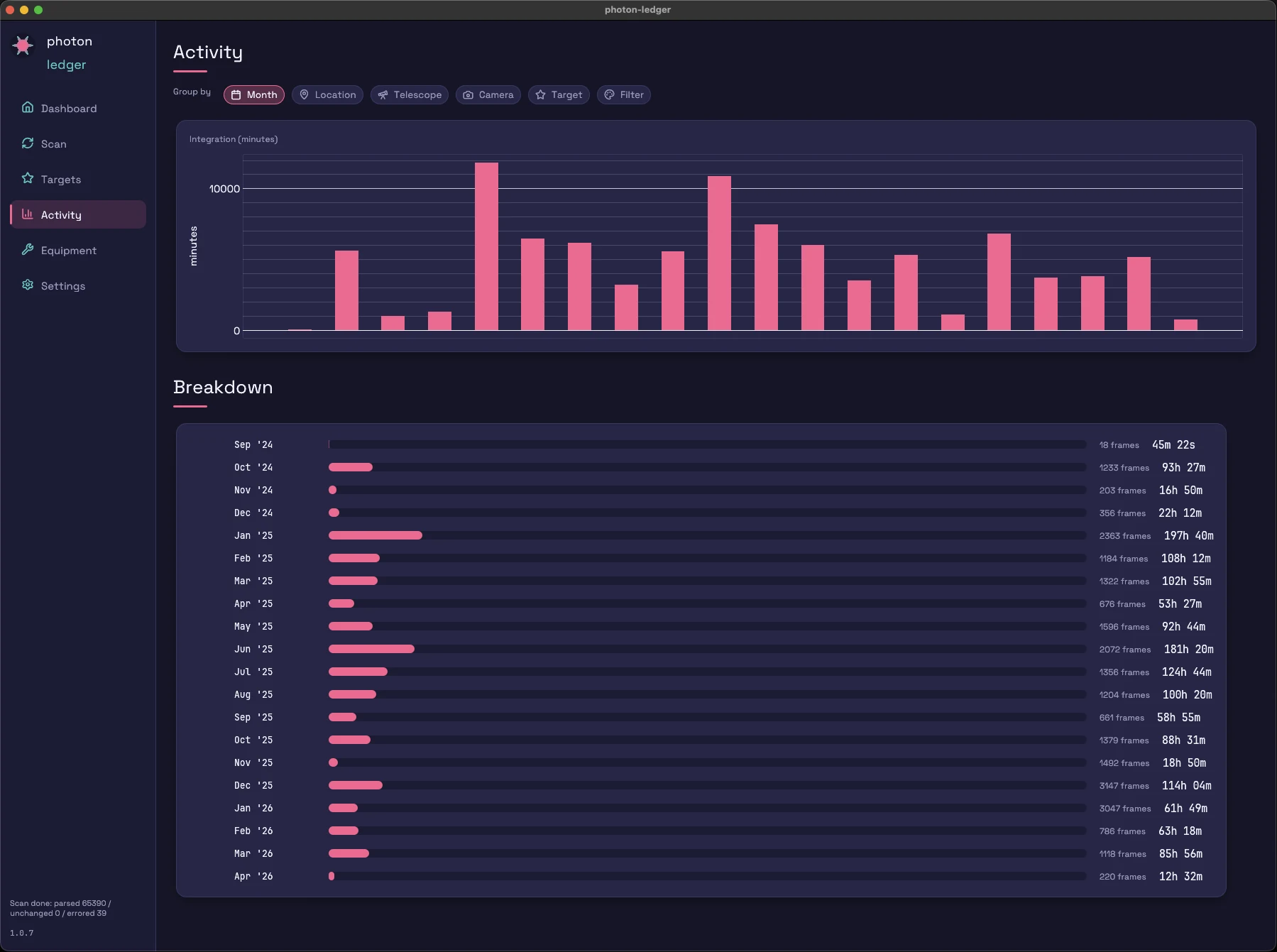
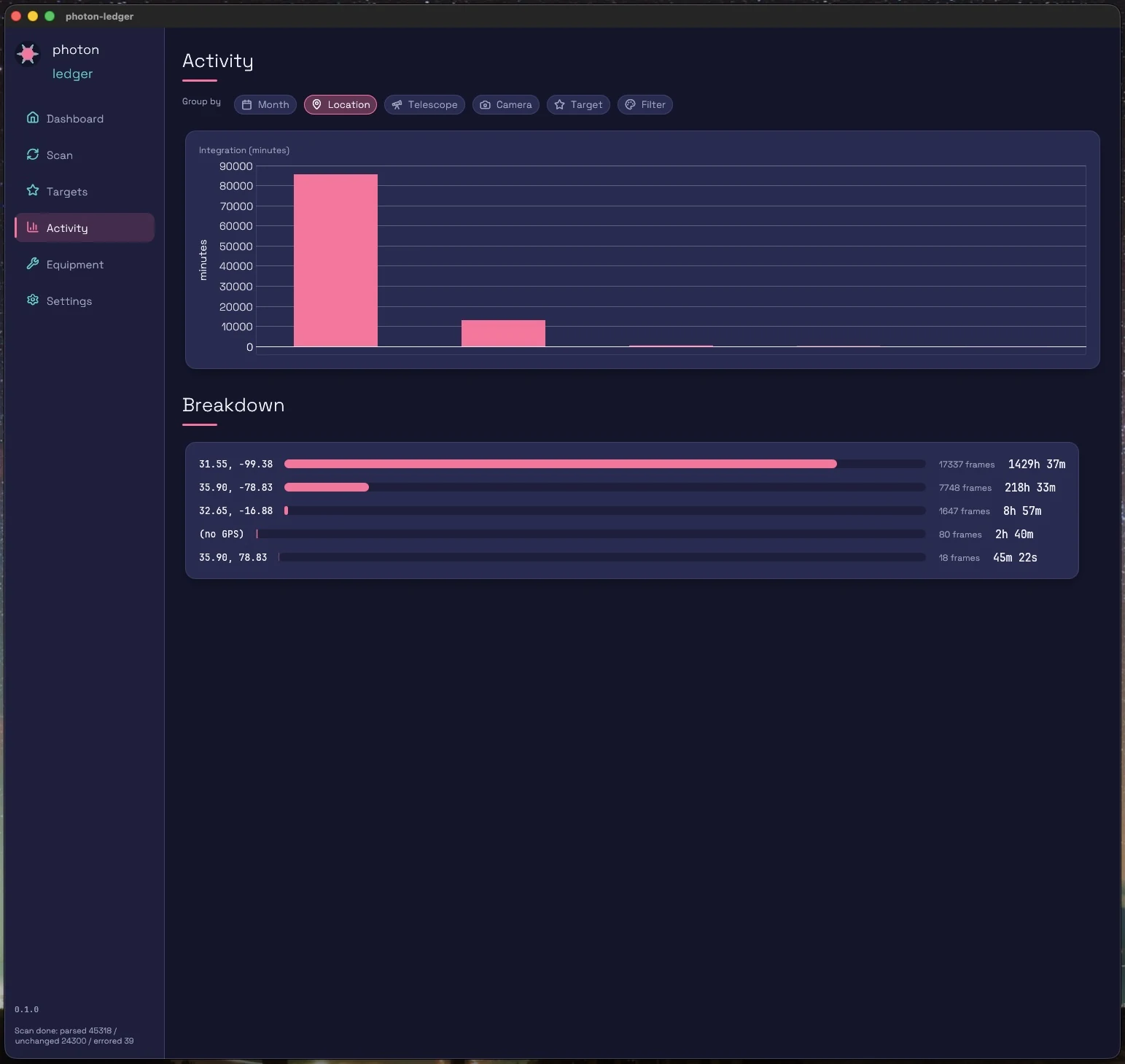
Group integration time by month, telescope, camera, target, filter, or location.
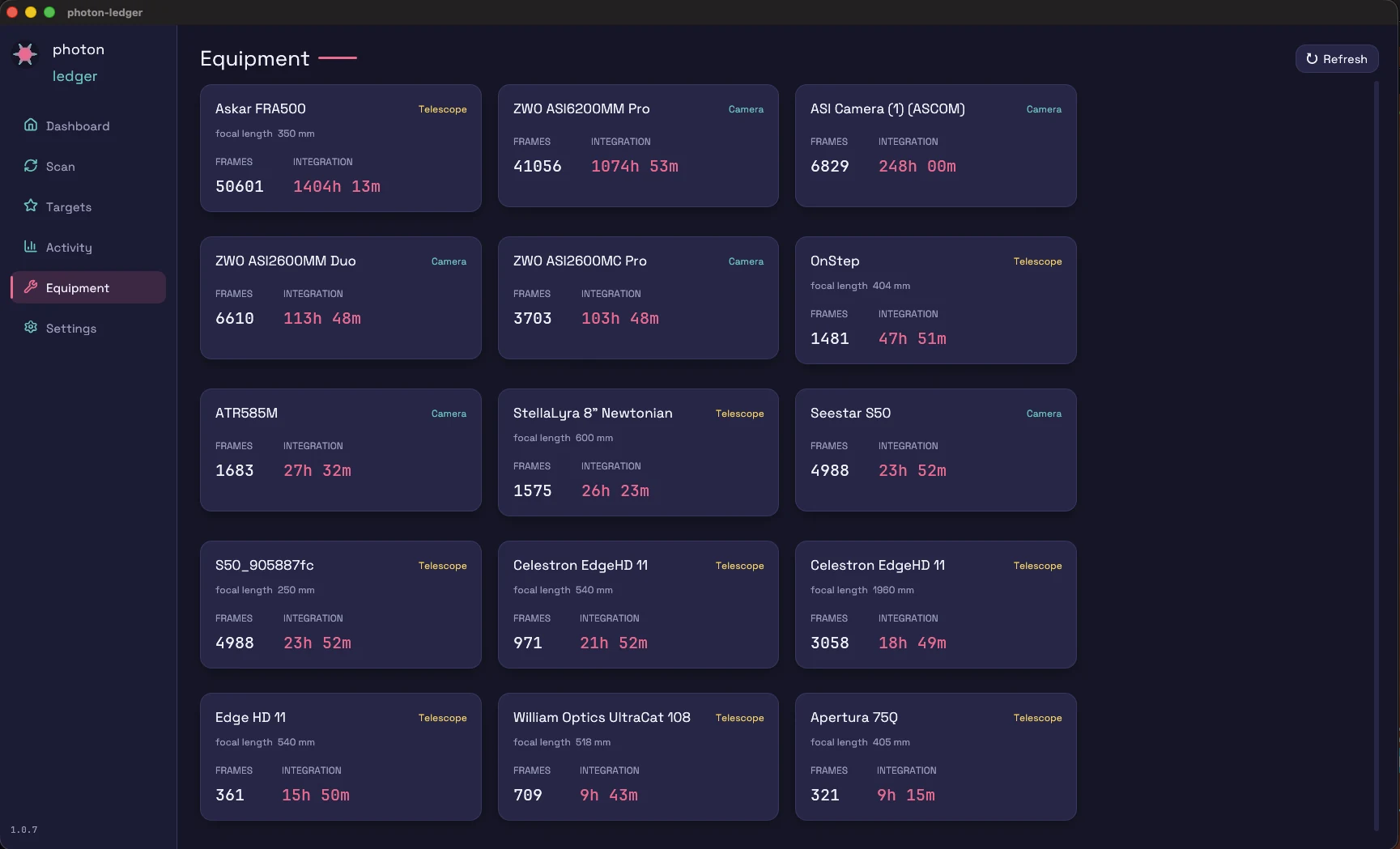
Discover which scope you're actually using. Per-rig hours and per-filter histograms.
SQLite by default. Your data, your machine.
What's in the box
Every tab in the app maps to a question you've been asking your file system the hard way.
Targets, integration time, sessions, equipment — at a glance. The starting point.
Index 60,000+ frames in minutes. Headers only — your pixel data never moves.
Drill into every object: filter breakdown, session count, total exposure. Same target on two rigs is shown as two separate sets — different sensors don't stack.
Group integration time by month, telescope, camera, target, filter, or location.
Discover which scope you're actually using. Per-rig hours and per-filter histograms.
A timeline of every imaging night with location, equipment, target, and integration totals.
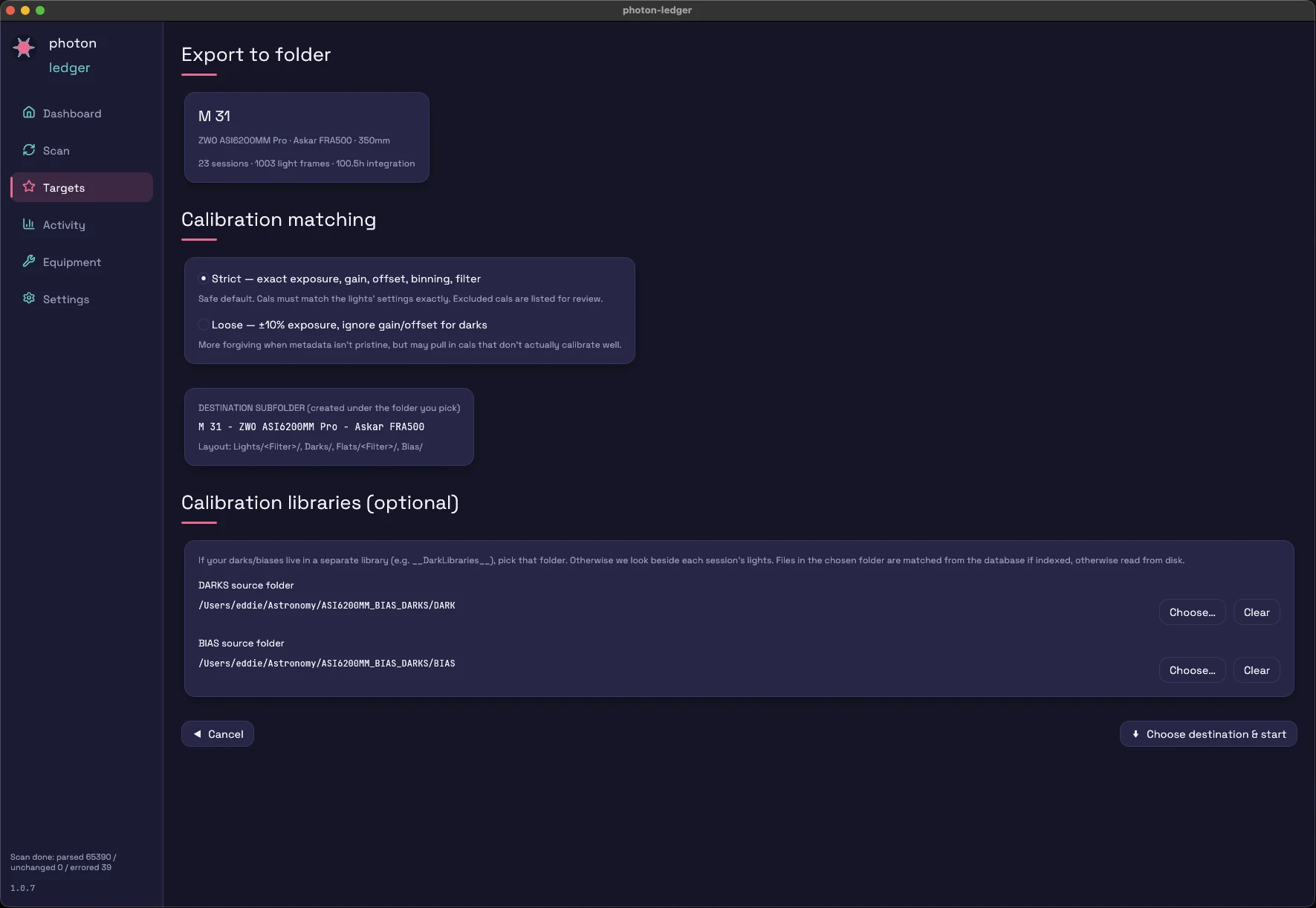
Pick a target + a rig + a destination. The app copies lights and matching DARK / BIAS / FLAT into a WBPP-ready tree.
Frames, Sessions, or Totals — with a light_dir column that points at the actual files. Paste into PixInsight or AstroBin.
What you get
Six kinds of analysis from the headers you already have — no re-shoots, no spreadsheets, no pixel data ever read.
Total integration per object, filter mix, session count, and which rig you used. Shot the same target on two scopes? You see them as two sets — different sensors don't stack.
Per-scope, per-camera, per-filter-wheel hours. The honest answer to whether your second telescope is earning its space.
Integration by filter across L R G B Ha OIII SII — per target and per session. See exactly where your SHO or LRGB data stands.
Point it at any drive. A 60,000-frame archive indexes in minutes — headers only, pixel data never moves — and forgotten projects resurface.
Pick a target, a rig, and a destination; the app copies lights plus matching DARK / BIAS / FLAT into a WBPP or Siril tree — and can copy just your accepted keepers. Plus CSV for sessions, per-frame, and AstroBin.
The New Additions Report totals frames and integration over any date range — by date added or by observation night — filterable by frame type. Know exactly what last month produced.
How it works
Point Photon Ledger at the root of your imaging archive. Date-first or target-first layouts both work.
Headers are parsed in parallel. A typical 60,000-frame archive indexes in a few minutes.
Open Dashboard, Activity, Equipment, Targets — answer the questions you've never had answers to.
Free
No frame cap, no subscription, nothing to activate — CSV export, folder export, frame-quality culling, and integration goals are all in the download. If it saves you time on a cloudy night, you can buy me a coffee.
Free
Every feature is included — no frame cap, no license file, no subscription. CSV / AstroBin / folder export, frame-quality culling, integration goals, sky context, and the Tonight's Picks planner all ship in the download. If it saves you time on a cloudy night, you can buy me a coffee.
Roadmap
Everything above ships today. On the roadmap — not yet in the app — are guiding-log analysis, missing-filter detection, AI session summaries, and multi-computer sync. See the roadmap →
Stay in the loop
One email when v1.0 ships, occasional release notes after. No drip campaigns, no upsells.
Stay in the loop
One short email per release — what shipped, what's coming next. No drip campaigns, no upsells.
Stay in the loop
One short email per release — what shipped, what's coming next. No drip campaigns, no upsells.
FAQ
No. Scanning is fully local — scan data, file paths, and images are never uploaded.
No. Only FITS headers are parsed. Your image files are never opened past the header bytes.
Both date-first (archive/2024-08-13/Light/M81/*.fit) and target-first (archive/M81/2024-08-13/LIGHT/*.fits) layouts. Details.
Works fine over SMB/NFS. The bottleneck is small-file metadata reads, not bandwidth. Expect roughly 200–500 frames/second on a typical 1 GbE NAS.